Labels go vague over time
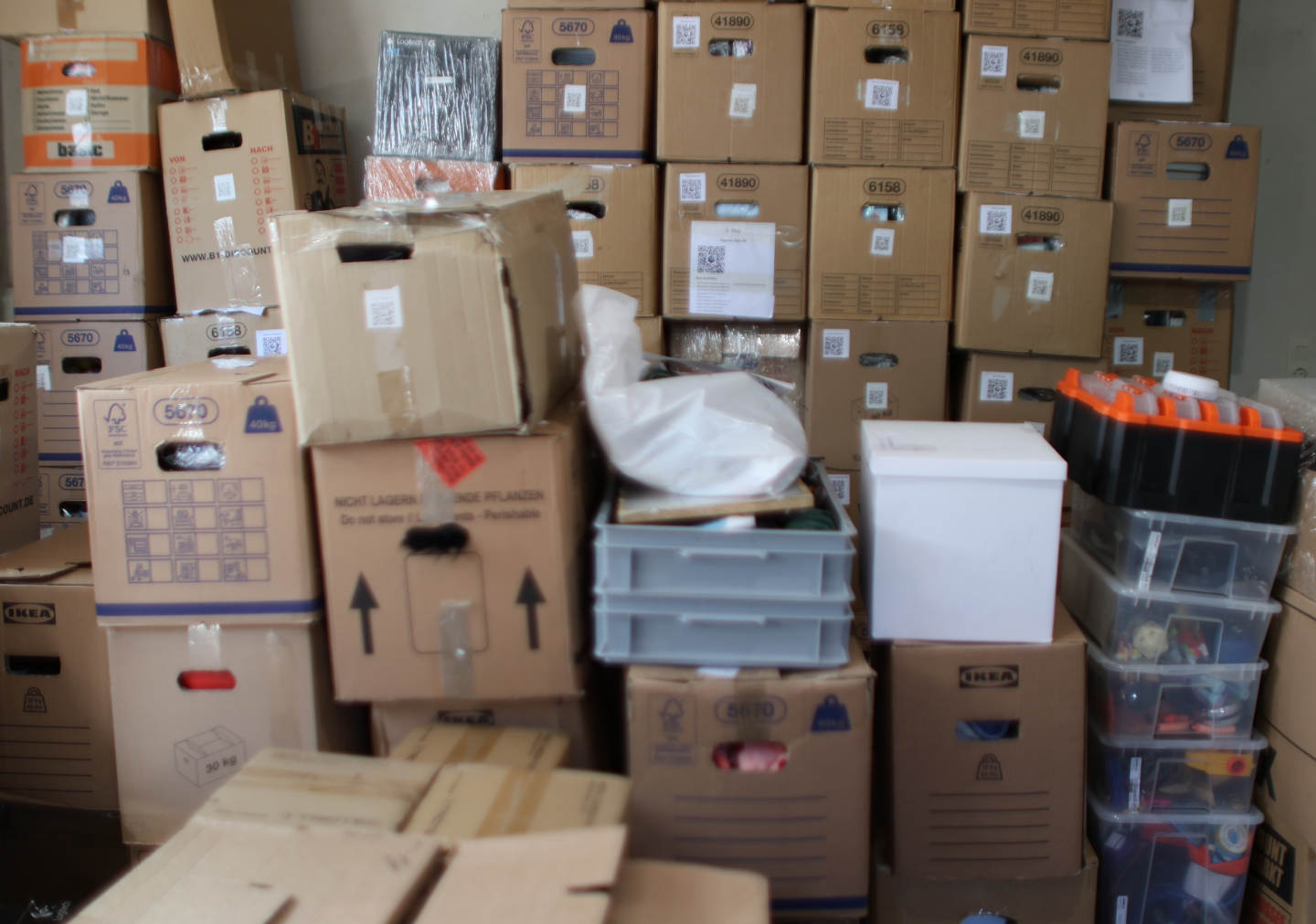
"Cables", "Winter", "Media" — fine for putting things away. Useless when you want one specific thing six months later.
Visual storage organization ideas for real homes
The hack behind every "where did I put that?" moment is simple: most storage systems force you to remember names, locations, and categories you decided on months ago. A visual storage system flips that. You map what you own once, then recognize it later instead of recalling it.
This works for basement boxes, collectibles, media collections, hobby gear, and tools. Same idea, same workflow, no extra mental load.
Why most storage organization ideas quietly fail
If you organize visually, the moment your storage becomes a typed list, the system stops feeling like yours. You browse Pinterest for a reason: you recognize what you want when you see it. Your storage should work the same way.
"Cables", "Winter", "Media" — fine for putting things away. Useless when you want one specific thing six months later.
A search-only inventory only works if you remember what something is called. For collectibles, parts, fabrics, and "the blue one", that breaks fast.
You probably already group things by topic, mood, or "stuff that goes together". A flat alphabetical list throws all of that away.
The visual storage hack
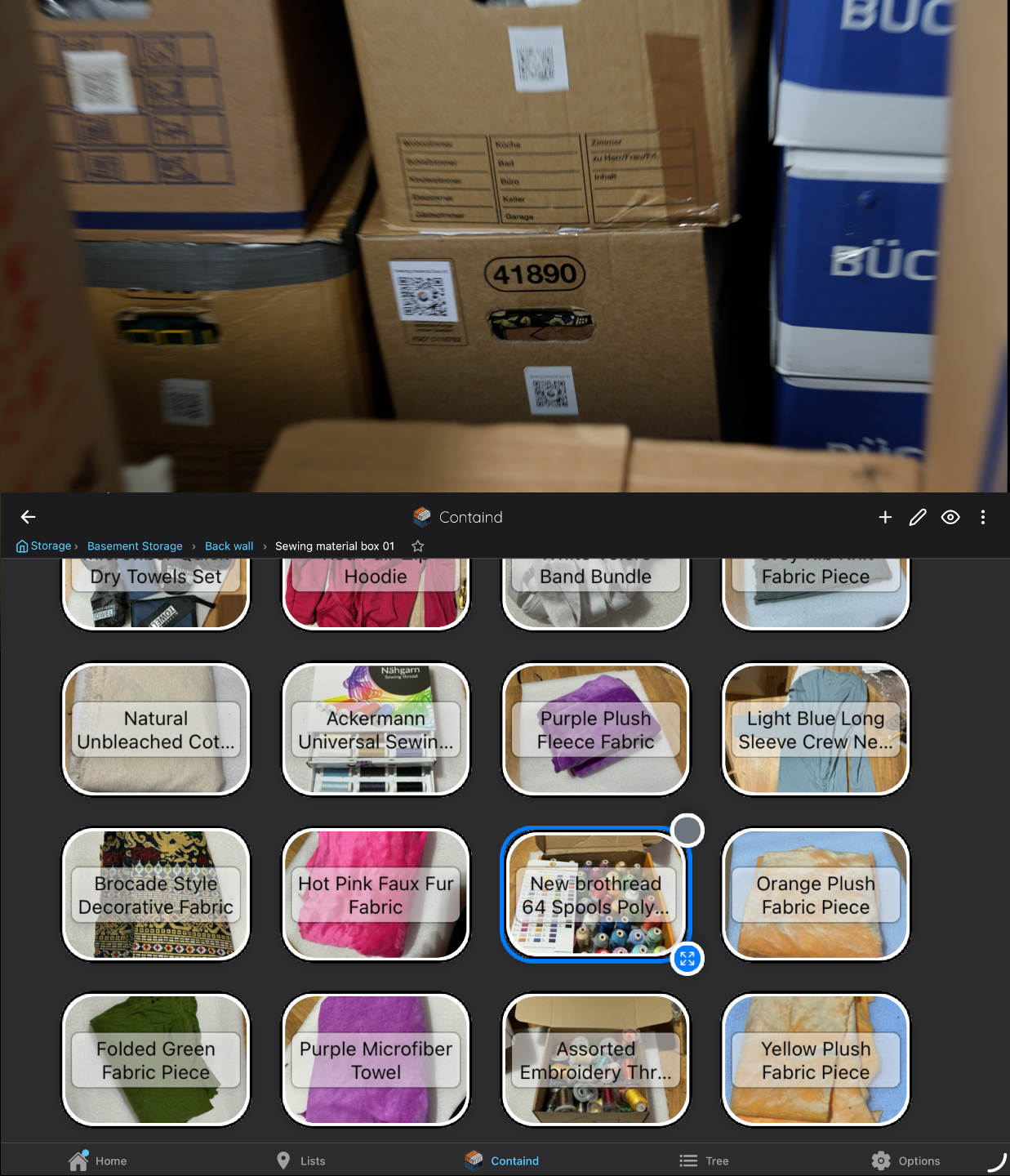
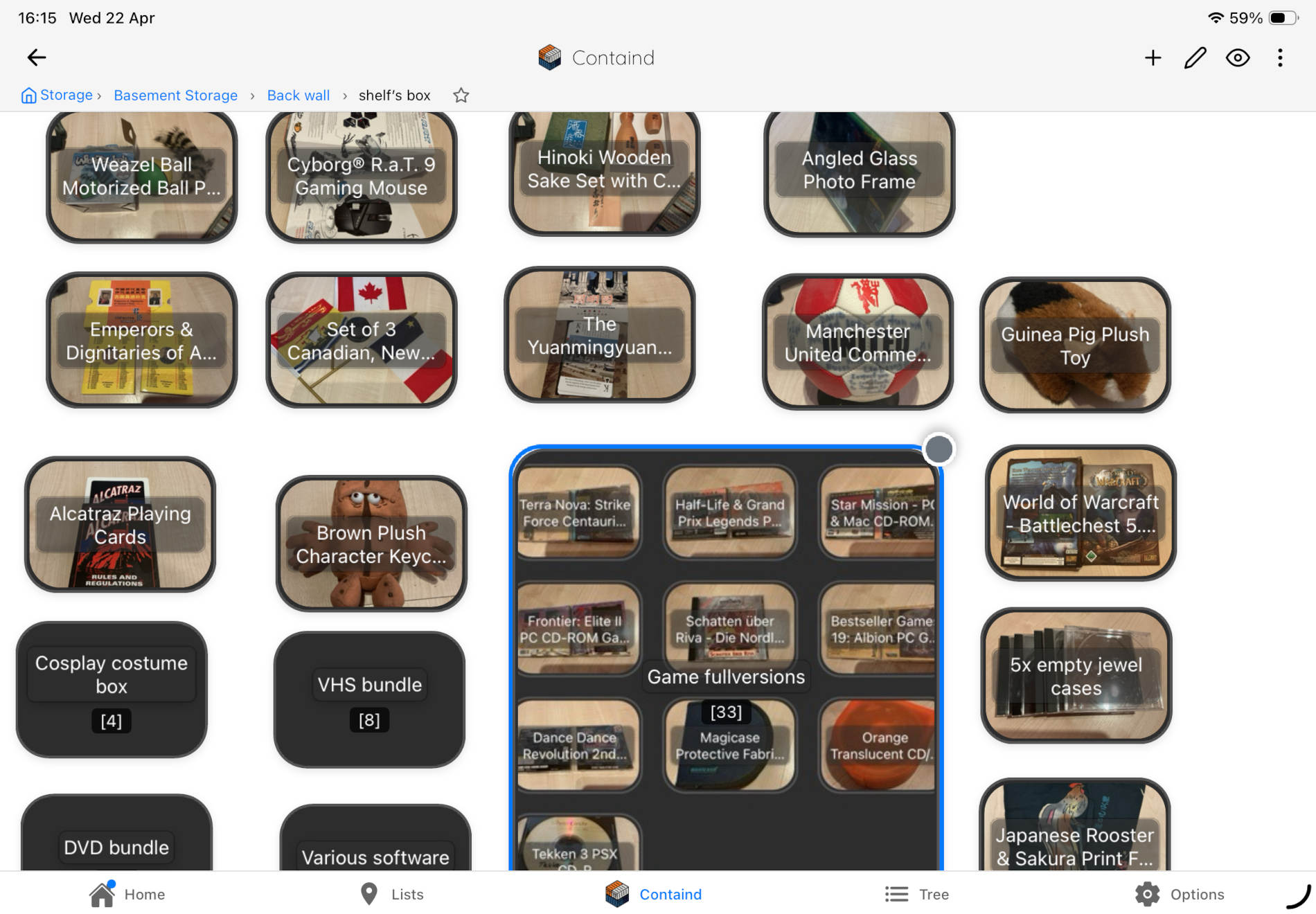
Instead of typing rows into a list, you place items visually. Boxes can sit roughly where they sit in real life. Items can sit roughly where they sit inside the box, or grouped however your brain already groups them. It is closer to a mood board than to a spreadsheet.
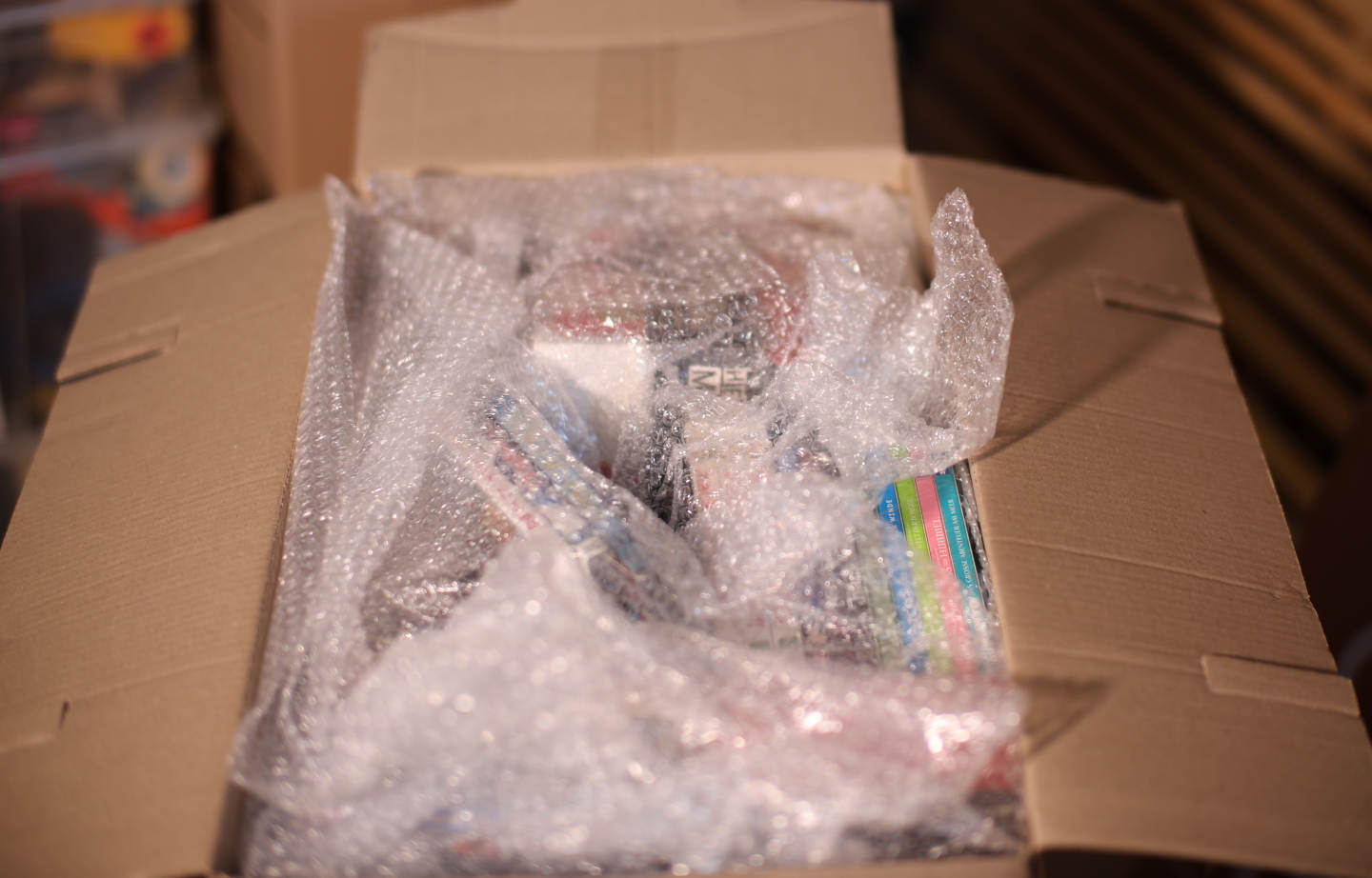
Snap items while a box is open anyway. You don't need a clean room or a pretty bin. Photos do most of the work.
Drag items onto a box canvas. Group them by topic, by container inside the box, or by your own logic. There is no "correct" structure.
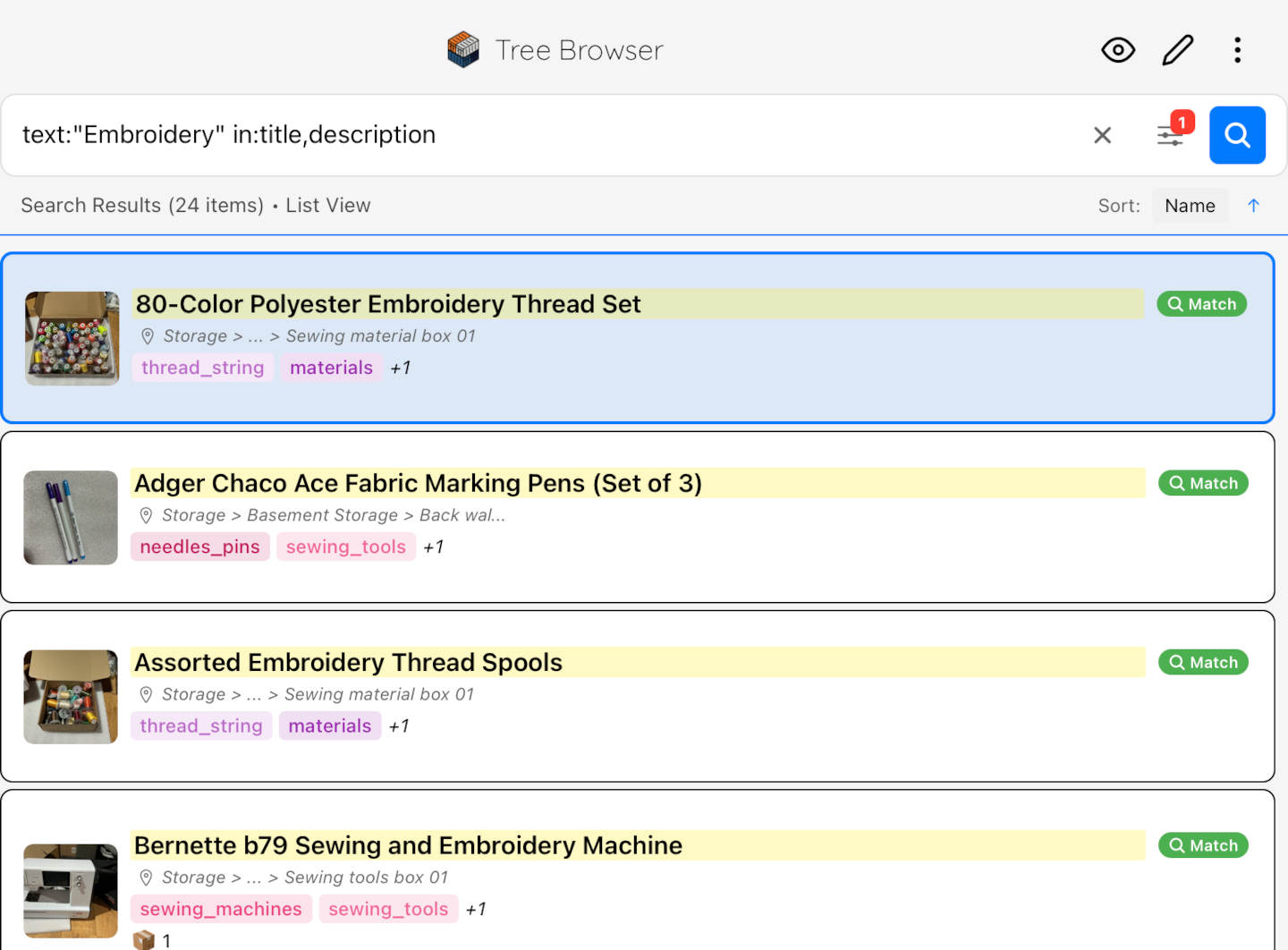
When you need something, you scroll the visual layout instead of guessing the right keyword. Search is still there if you want it.
Why this isn't just another organization idea
People recognize pictures far better than words, and they remember where things are in space without consciously trying. A visual storage system reuses both, instead of fighting them. That is why a board feels effortless and a spreadsheet feels like homework.
You don't need to know what something is called. You see it and you know.
If you place boxes on a canvas the way they sit in the room, your brain remembers the layout almost automatically.
You can group by topic ("all the sewing notions"), by use ("camping stuff"), or by feeling ("sentimental box") instead of forcing alphabetical order.
I never bothered mapping the position of each item inside a box. I did map where each box sits in the basement — and that alone changed how fast I find things.
Where this visual organization hack pays off most
You don't need a new system for each kind of stuff. The visual canvas works the same way whether you're mapping a basement, a display shelf, or a tool drawer.
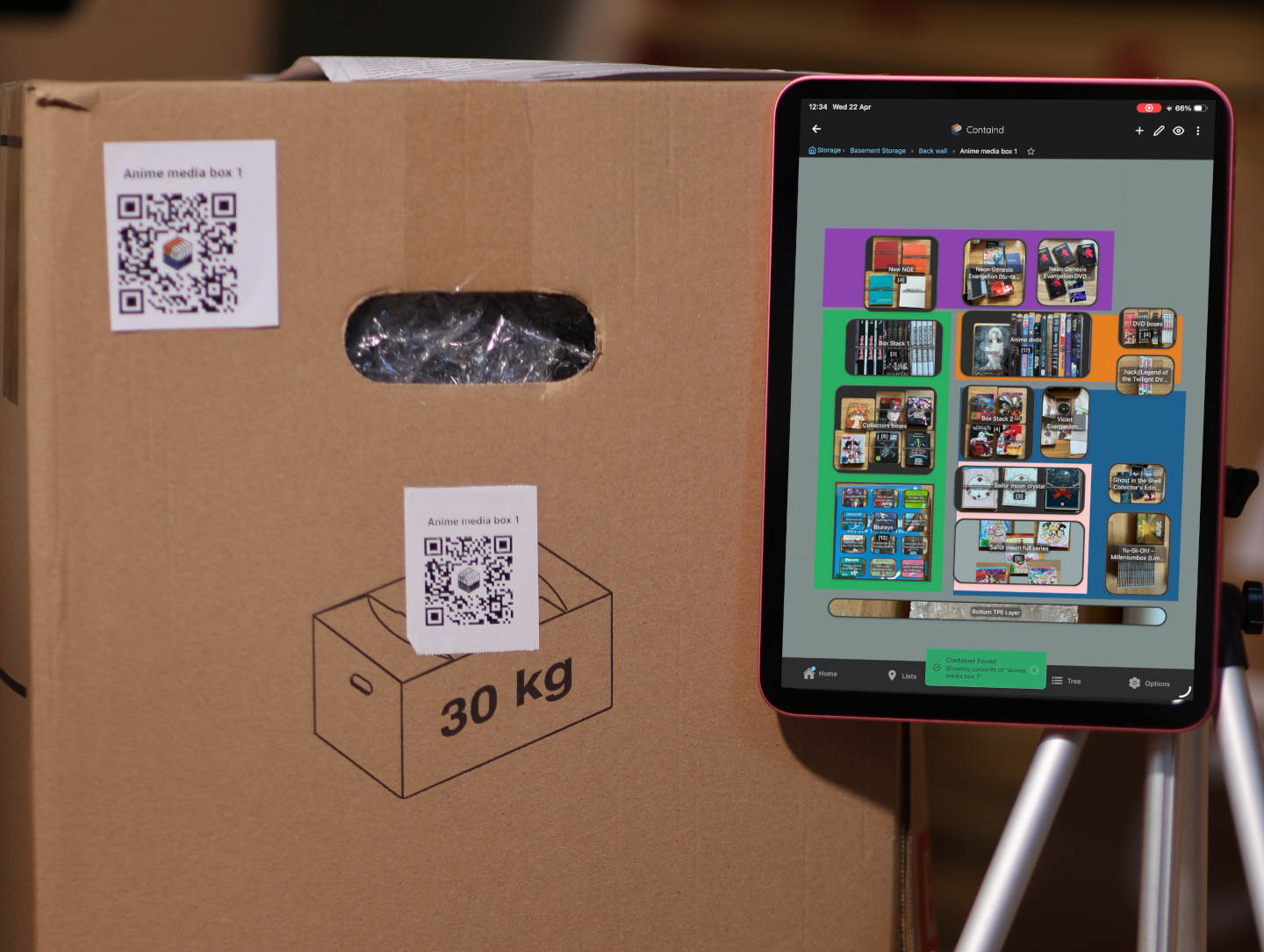
Map where each box sits in the basement and what's inside. You stop opening five boxes to find one item.
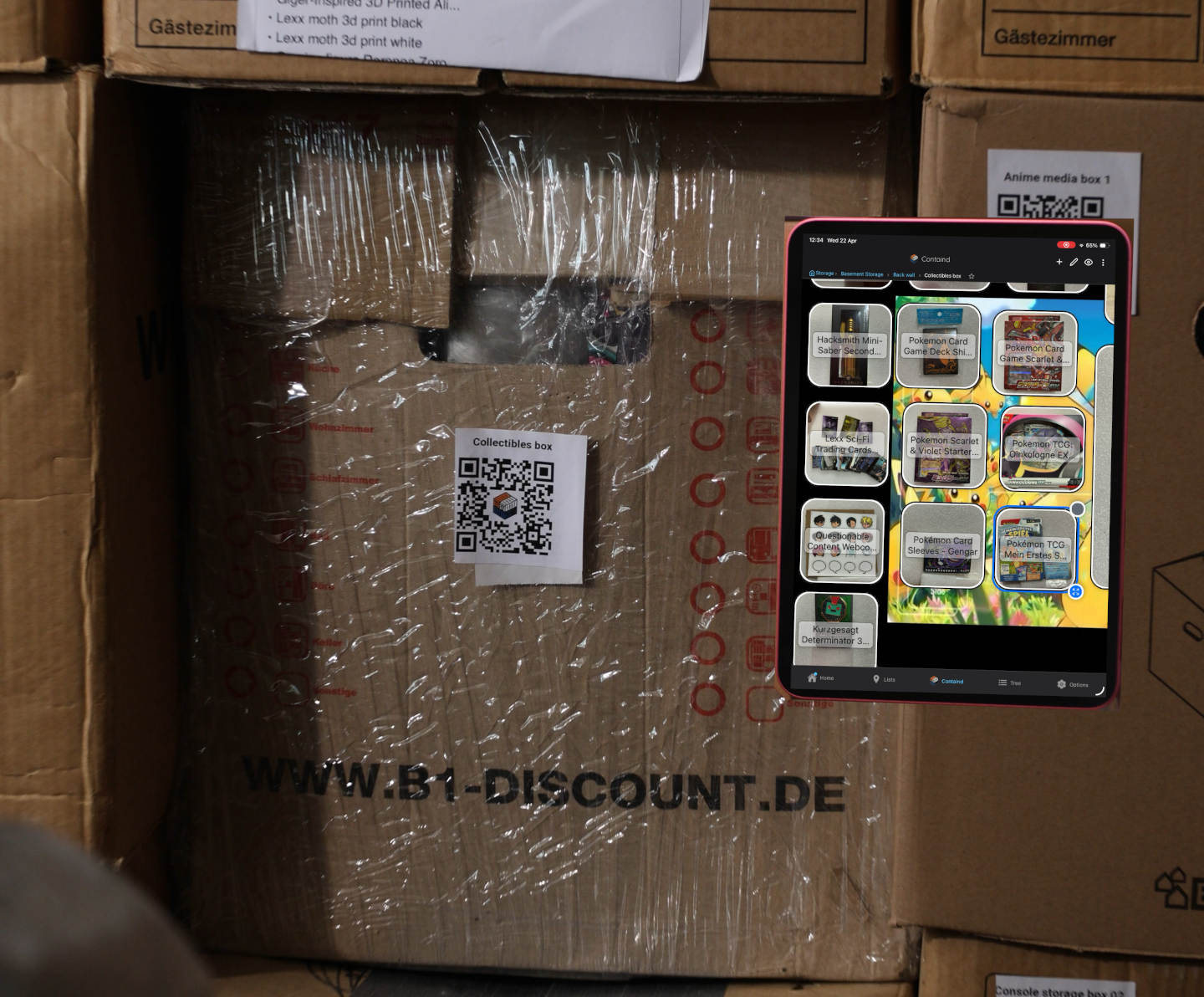
See your collection laid out visually instead of buried in storage. Useful when you want to enjoy it without unpacking it.
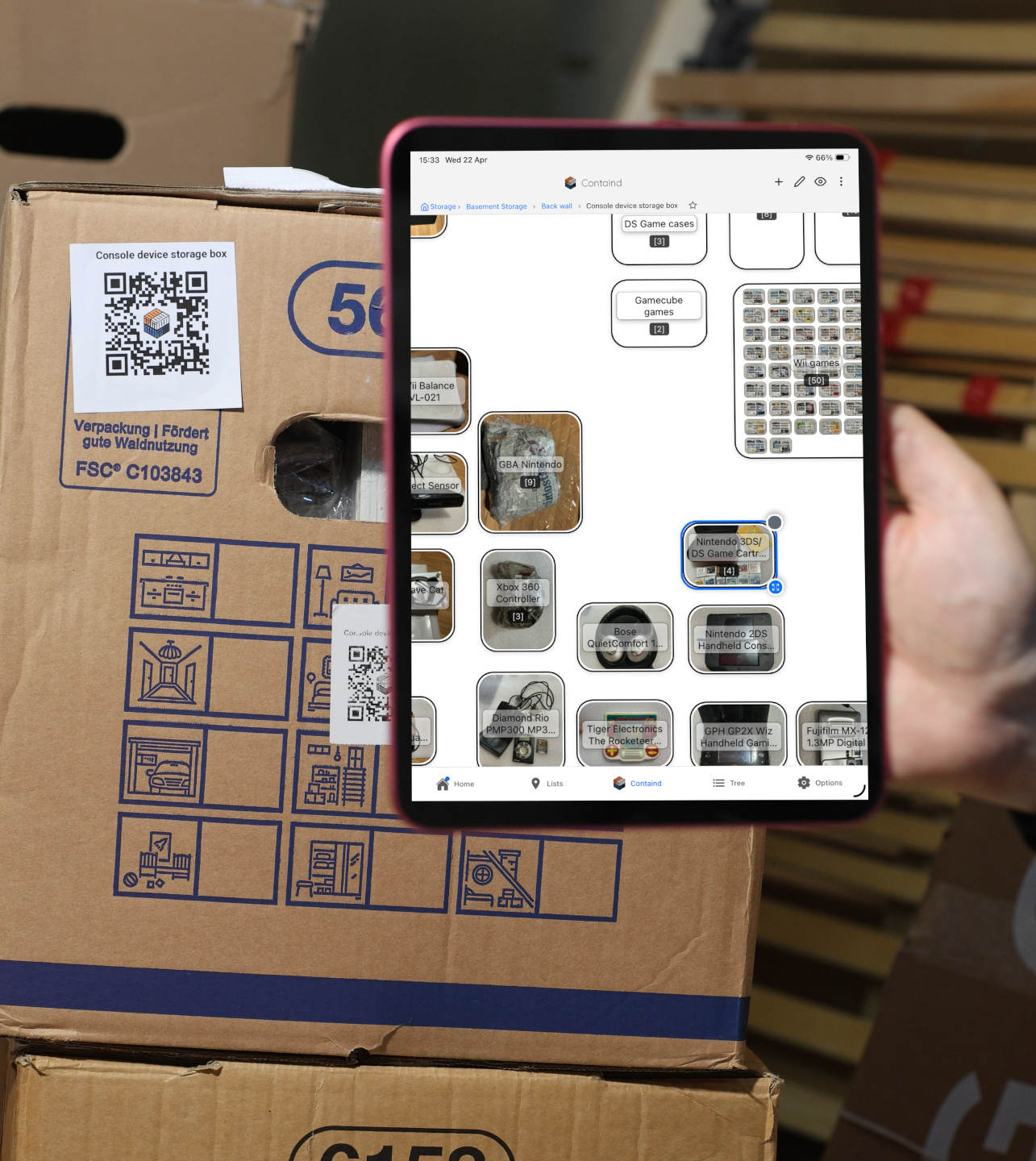
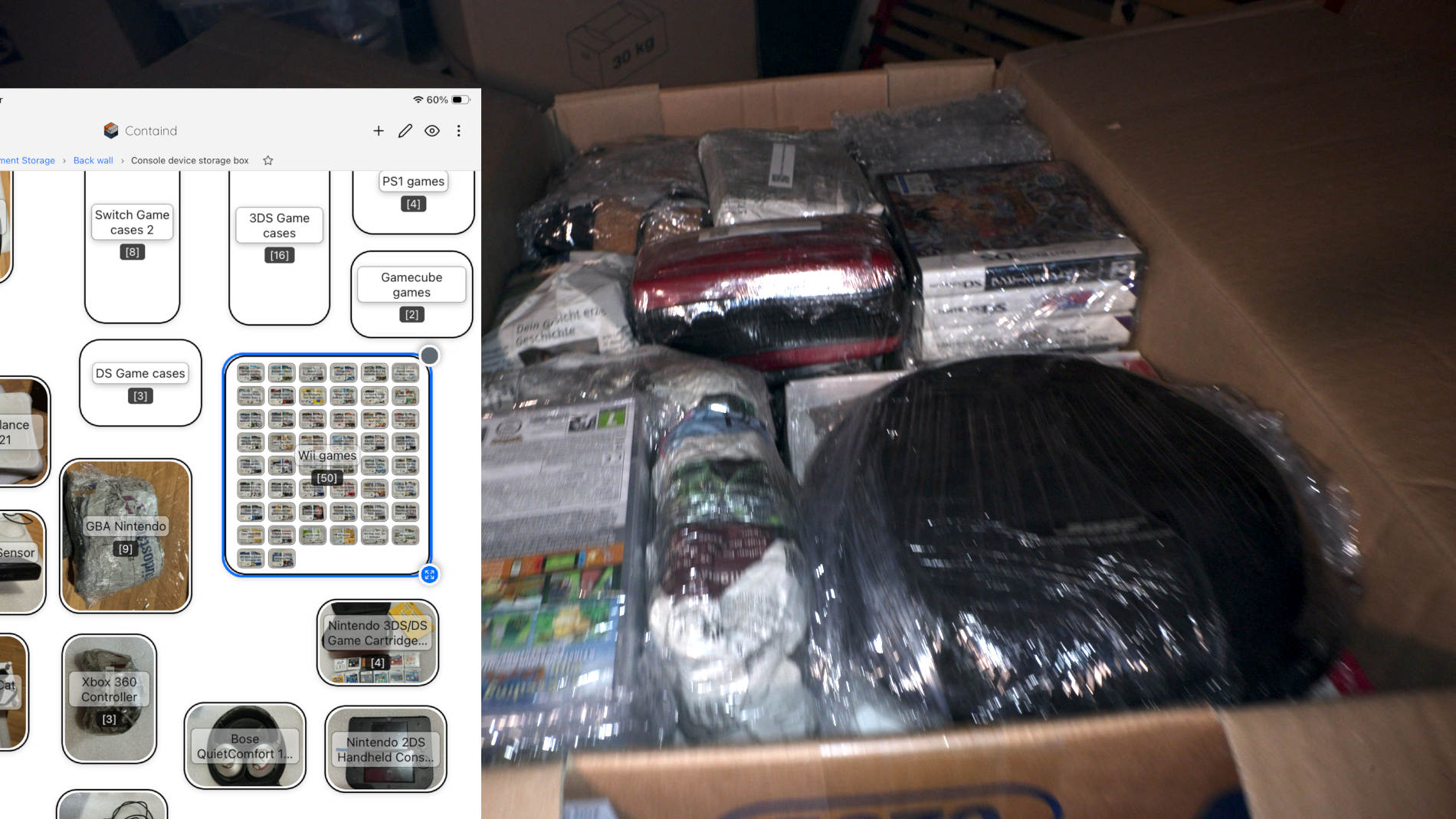
DVDs, Blu-rays, vinyl, books, cartridges — anything where you want to browse the collection without digging through a box.
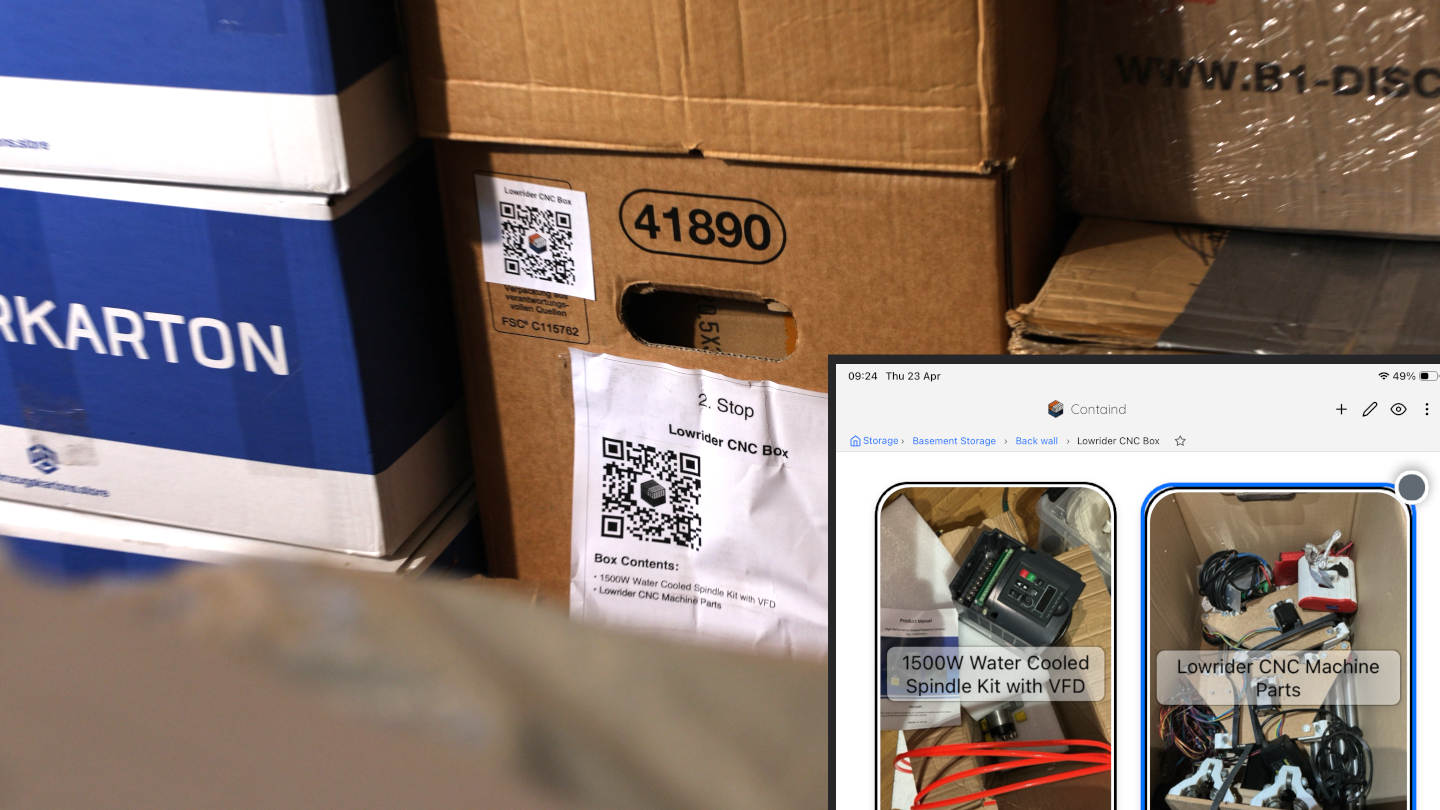
One box, two heavy items, a QR label on the outside. Scan it and the canvas shows exactly what's inside — spindle kit, machine parts, wiring — without lifting the lid.
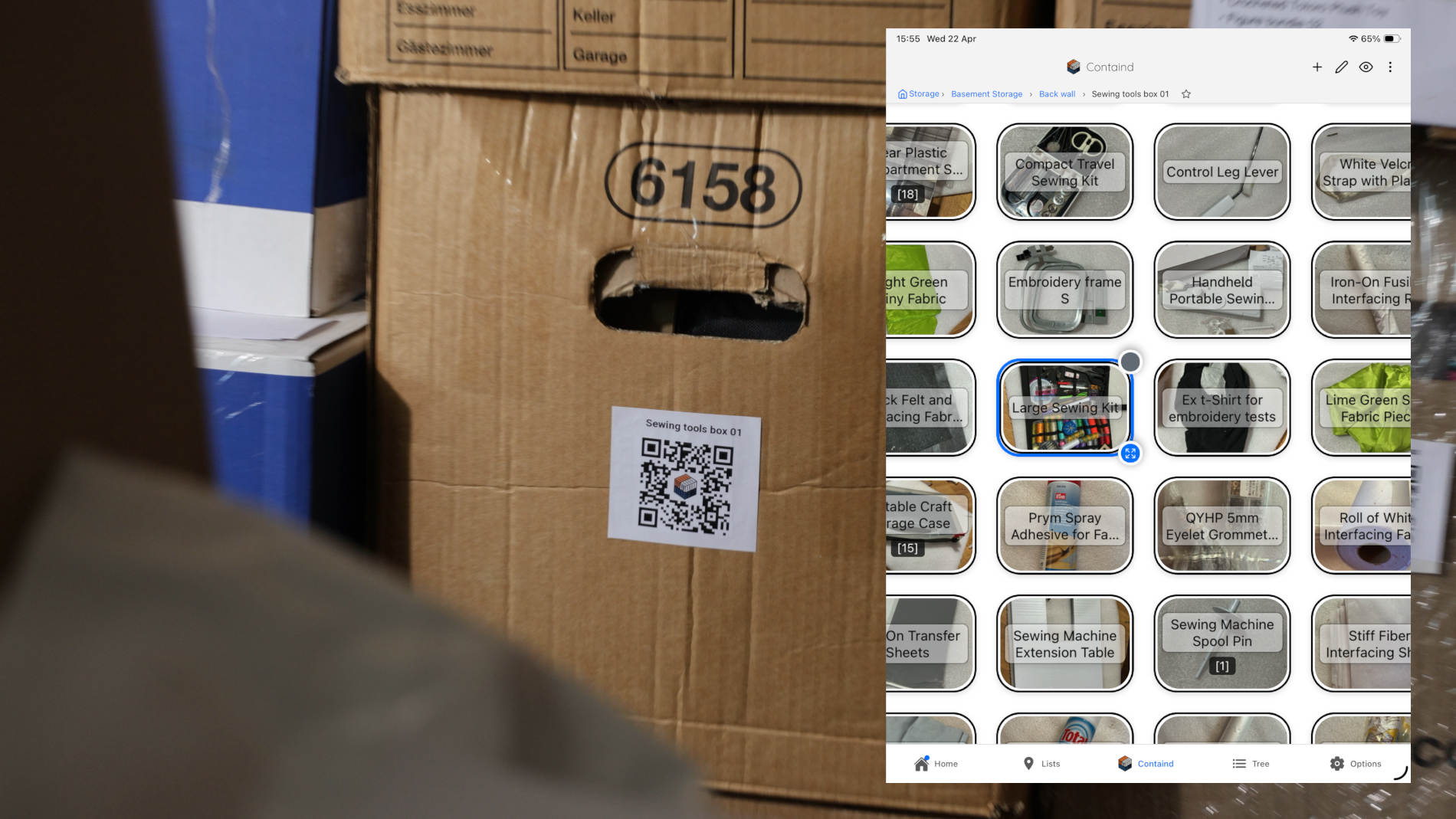
Notions, threads, fabrics, and small parts get a visual home so you stop re-buying things you already own.
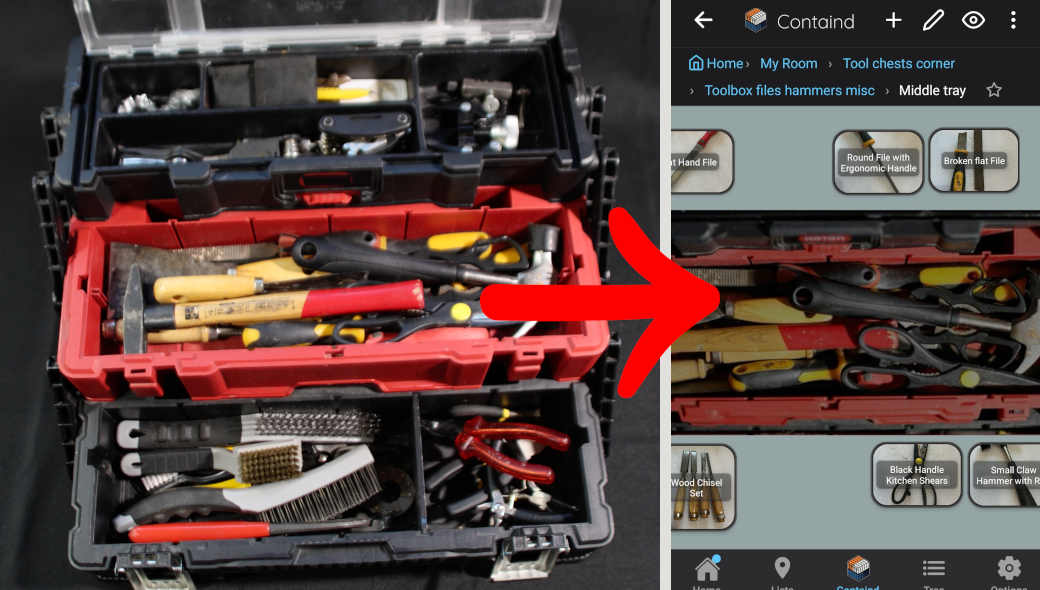
Map each tray of a tool chest as its own canvas. Files, hammers, pliers, and chisels get names and photos so you find the right tool without lifting every tray.
The optional but very useful bridge
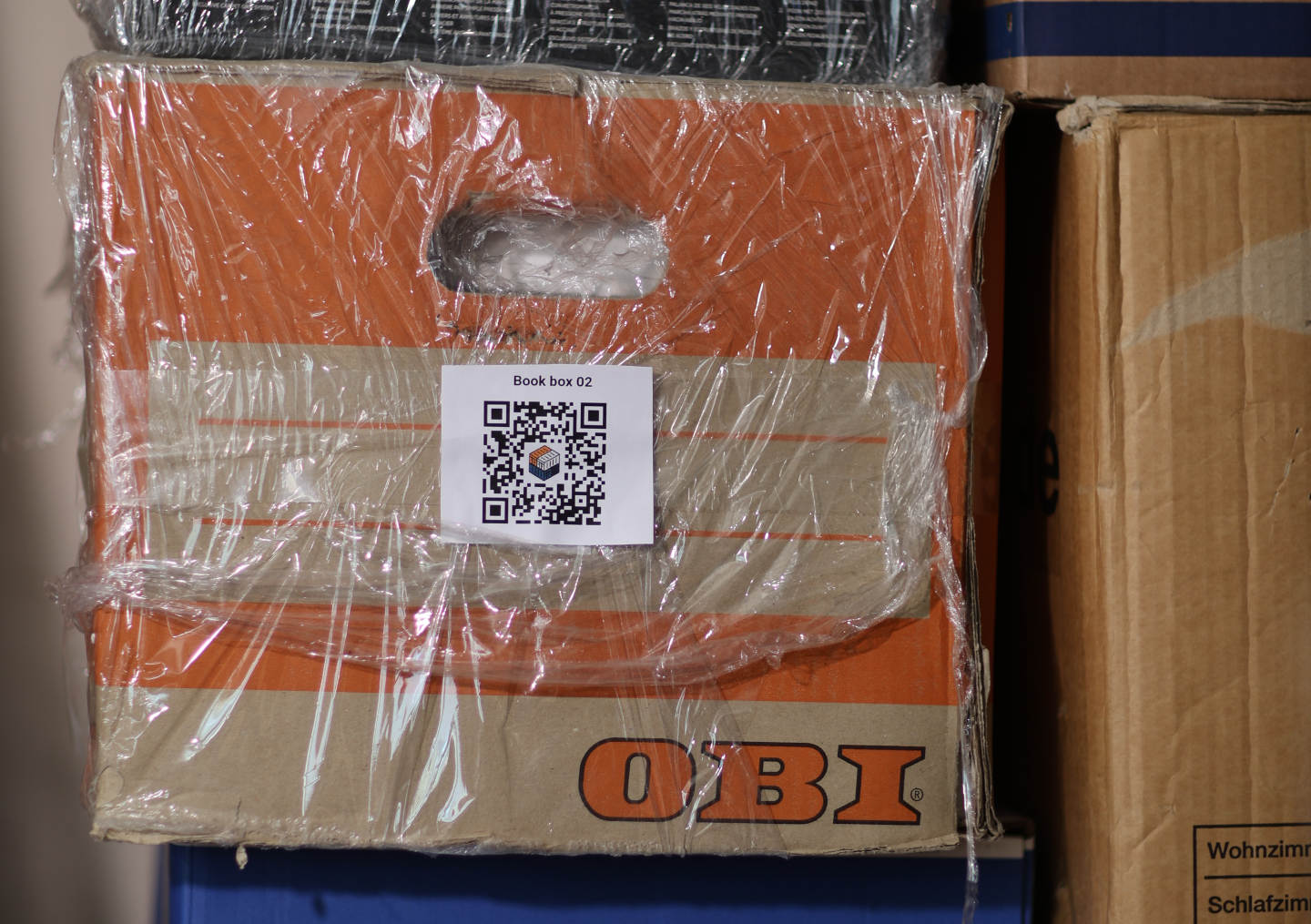
The visual canvas is the real value. The QR label is just a shortcut so you don't have to dig through the app to find the right canvas. Scan the box, the canvas opens. Same as opening a Pinterest board, except for your actual stuff.
What about search?
If you know exactly what you're looking for, type it in. If you don't — and most of the time you don't, you just have a vague picture in your head — the visual canvas is the faster, kinder option.
You know the exact item, brand, or model and just want to know which box it's in.
You're browsing your own stuff, planning a project, or trying to remember what you even own.
You search to find the right box, then open the canvas to actually see what's inside.
How to start without making it a project
The fastest way to feel the difference is to map one box you already hate searching through. The collectibles box, the cables box, the sewing kit, whatever it is. Once one canvas saves you a basement trip, the rest follows naturally.
Containd is a home inventory app for iOS and Android. Core offline use is free. No subscription required to use the visual canvas, place items, or scan QR labels.